


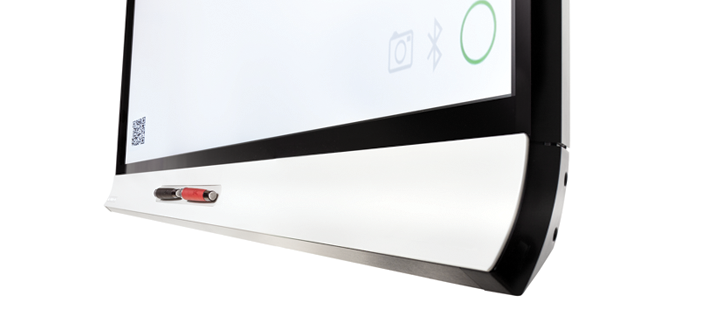
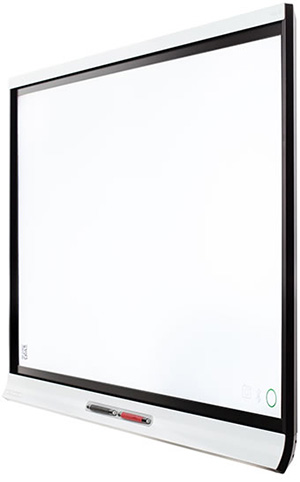

SMART says that the kapp iQ isn’t just a whiteboard. Host live sessions between multiple SMART kapp iQ boards across remote locations. Anything written or shared on the SMART kapp iQ is viewable on connected boards, and participants are able to share right back. Connect any Android or iOS device to the SMART kapp iQ and you can share and save in real time to any connected laptop, tablet, smartphone or other SMART kapp iQ boards with access to a web browser. And, SMART kapp iQ is available in two sizes: 55″ and 65″ (diagonal).
Connect with the board through the SMART kapp app, connect your device to the board in a single step using a QR code. Only one person needs to connect. Once you’re connected, share the meeting with participants in the room or across the globe.
After you connect, a URL is immediately created for your session. Email the link to whomever you’d like to have join, and they’ll see the content on their display as it unfolds on the kapp iQ. Up to 250 participants may join a session with the SMART kapp Plus subscription (up to five participants allowed with the free SMART kapp starter subscription). Any participant can capture and save notes as snapshots (JPEG or PDF), and store them on Evernote for archiving and easy distribution.