

DisplayNote Releases New Web Version of Broadcast Screen-Sharing Tool

 DisplayNote has released a new web version of its screen-sharing tool, Broadcast. Designed for classrooms, Broadcast is a tool that allows presenters to share their screens to their audiences’ devices in real-time. Features like Zoom Mode, Screen Capture and Annotation Tools allow the audience viewing the Broadcast to enhance the material, add annotations and save it to their devices for later.
Those who’d like to try Broadcast can create a free account here.


More Stories Like This

DisplayNote, Horion Partner to Bring Launcher to Interactive Displays
DisplayNote has partnered with Horion to bring DisplayNote Launcher to Horion interactive flat-panel displays. The companies said the integration combines Horion’s interactive displays with DisplayNote Launcher, allowing users to access supported conferencing applications, room calendars and other meeting tools directly from the display. Meeting schedules can also be displayed within the Launcher interface, while one-touch […]
DisplayNote and Samsung Partner to Enhance Screen-Sharing Technology in Schools
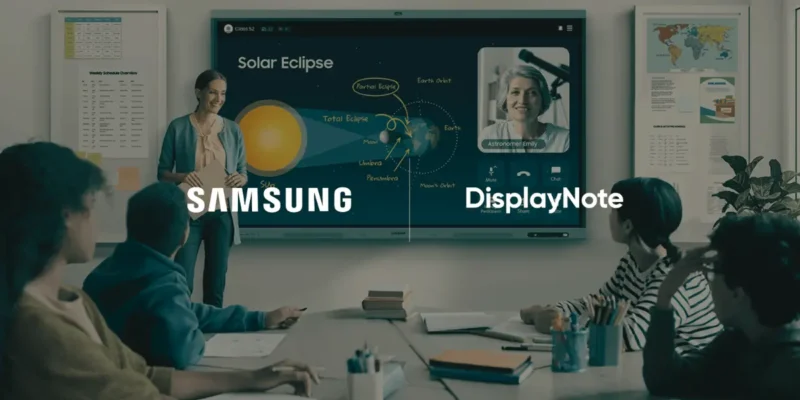
DisplayNote and Samsung have teamed up to introduce new technology into U.S. schools. DisplayNote said it will embed its screen-sharing software, Montage, into select Samsung interactive displays. The technology is designed to help districts create consistent, reliable learning environments at scale and improve the day-to-day classroom experience. DisplayNote Montage is designed for shared teaching and […]
DisplayNote Montage to Be Embedded in Nanolumens Captivate Series LEDs

DisplayNote has partnered with Nanolumens to embed its wireless sharing software, Montage, into the Captivate Series of all-in-one LED displays. With Montage integrated into the Captivate line, users can share content from any device without additional hardware, cables or downloads. The software supports multiple presenters, low-latency display performance and secure deployment options for enterprise and […]